
Deep Focus
Where the manual ends, Deep Focus begins.
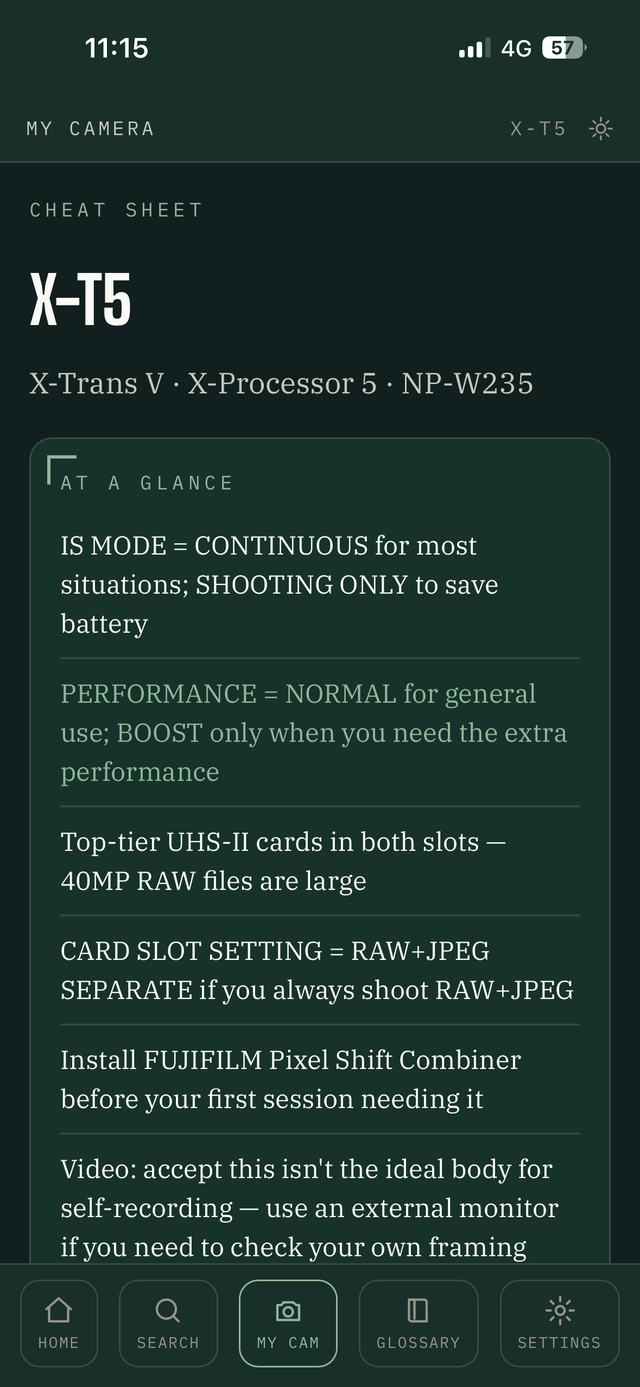
The field guide built to live on your phone, not on a shelf. 123 tips across 8 modules, filtered to the exact camera in your hands, checked against Fujifilm's own documentation and years of real community experience — installable, searchable, and yours to keep offline.
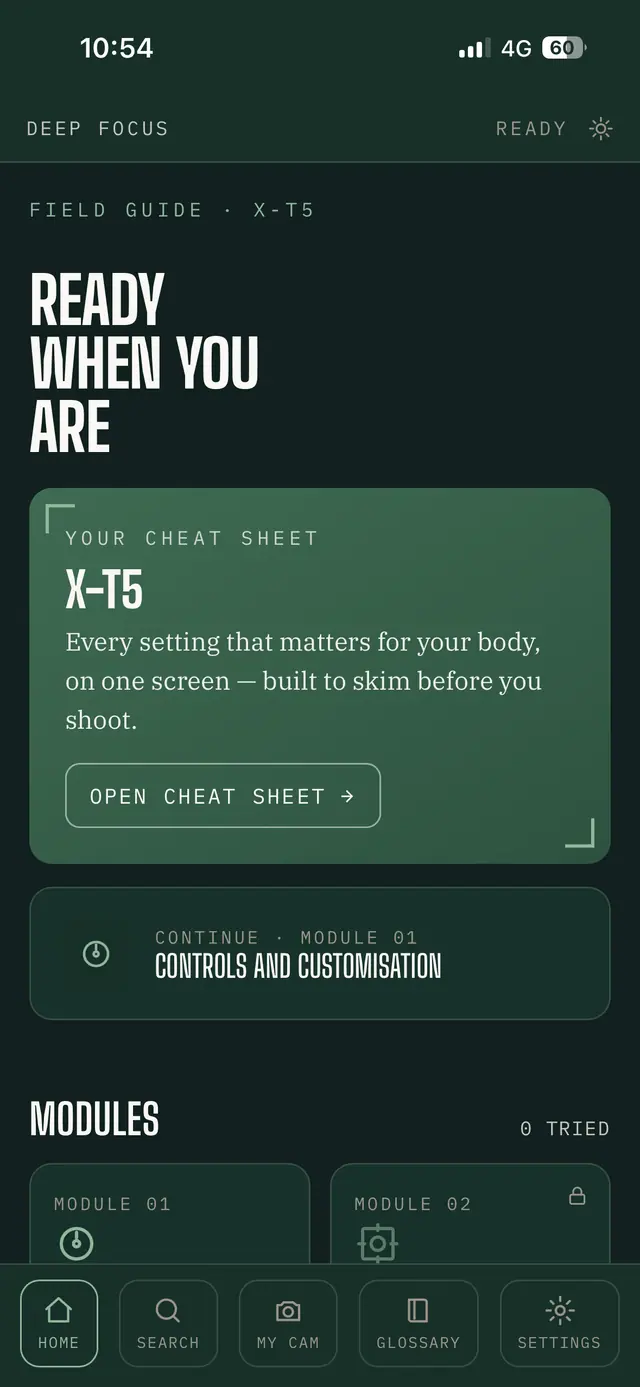
Pick Your Camera. See Only What's Yours.
Deep Focus asks which body you shoot the first time you open it. From then on, every module, every tip, every cheat sheet filters to just what applies to your camera — no wading through settings for a sensor generation you don't own, no second-guessing whether a tip even applies to you.
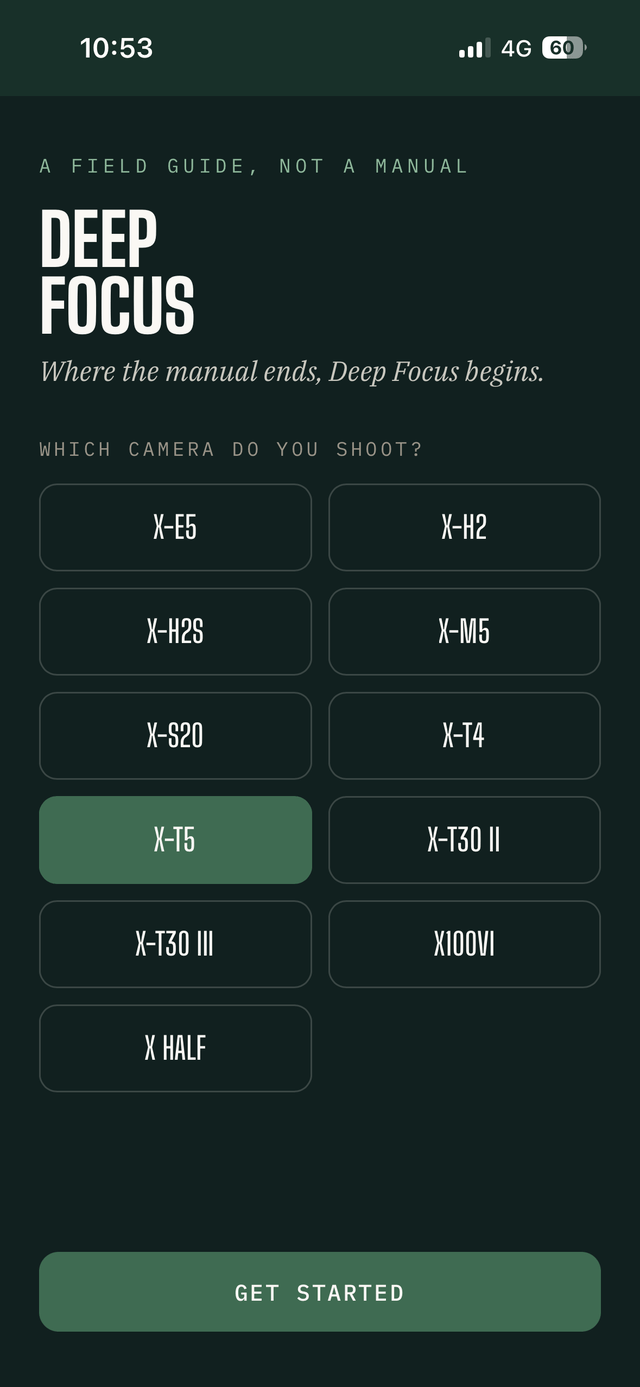
Every one of the 11 covered bodies gets this. Tips outside your camera's reach simply do not clutter your list — and when a setting genuinely differs between models, the app tells you that too, instead of quietly guessing which one you meant.
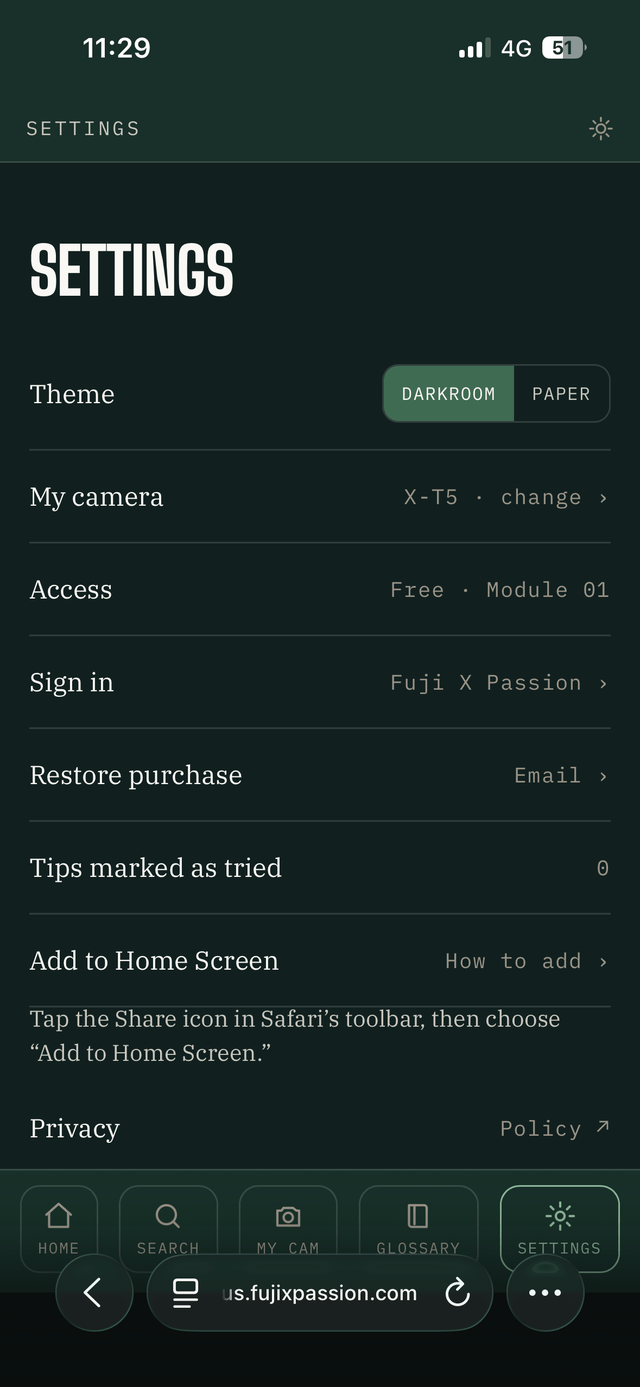
Switched bodies, or shooting with two? Change your camera anytime from Settings, no re-installing, no losing your progress.
"I Already Read The Manual — Why Do I Need This?"
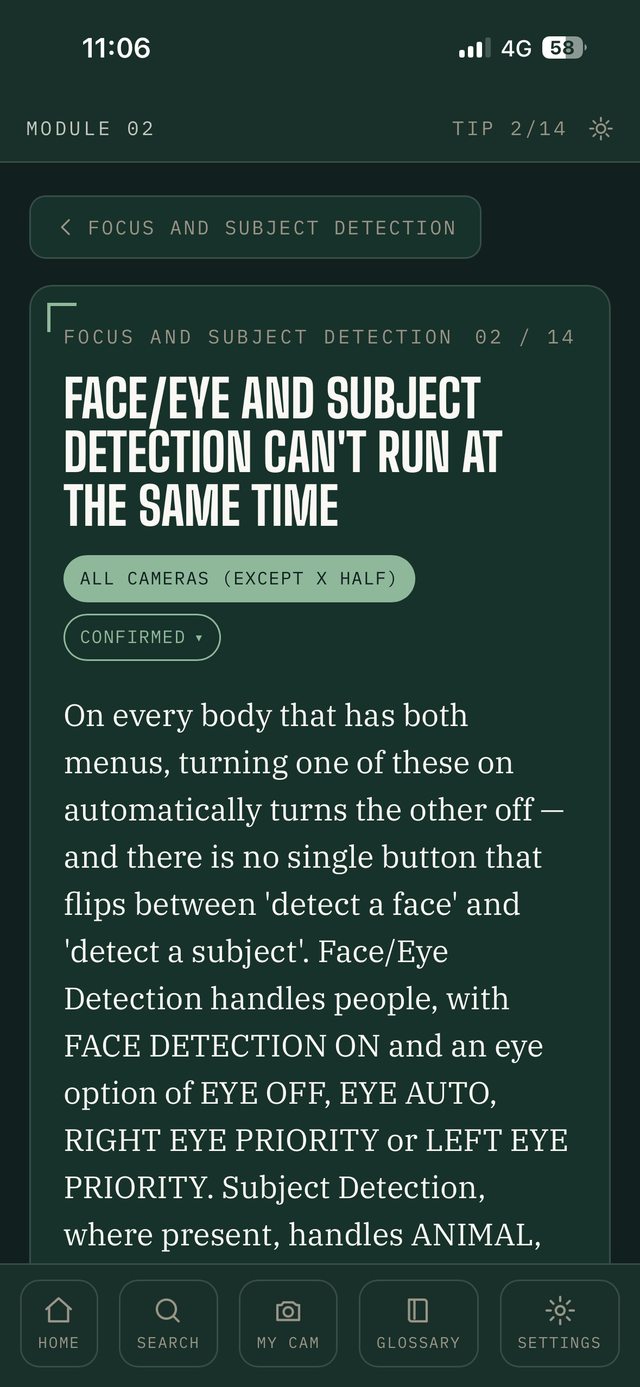
Because the manual tells you what a setting does. It rarely tells you why you'd actually use it, or what happens when two settings quietly conflict with each other.
The Manual Says
Explains Face Detection and Subject Detection, each as its own menu entry.
Deep Focus Says
Explains that turning one on quietly switches the other off — and exactly when that catches people out.
Every tip is checked against Fujifilm's own documentation and cross-referenced with the wider X-series community — never generated in bulk and left unverified. Where the two disagree, or a menu path differs by model, the app tells you that too, instead of quietly picking one and hoping.
Eight Modules. Eleven Cameras.
The core guide works across the whole range, with every tip clearly flagged for which bodies it applies to.
Controls & Customisation
Fn buttons, Q Menu, My Menu, and the Custom Settings banks.
Focus & Subject Detection
The six AF-C presets, and why Face and Subject Detection won't work together.
Film Simulation & Look
Dials, recipes, and the in-camera tools that shape colour before you open a laptop.
Action & Speed
Shutter types, Sports Finder Mode, Pre-Shot, and getting the most from a fast burst.
Battery & Cards
Two battery families, three card-slot behaviours, and the habits that add hours to a shoot.
Video Essentials
F-Log, Zebra, Movie Optimised Control, and the overheating conversation every body has.
Lenses & Accessories
Mount Adaptor profiles, cooling fans, and getting old glass to behave on a modern body.
Troubleshooting
The errors that look like a fault and aren't — and the ones that are, with a fix attached.
Eleven Bodies, Covered In Full
21 Tips. Free. No Account.
Module 01 — Controls and Customisation — and the full Fujifilm glossary are open to everyone, no sign-up and no card. Open the app, pick your camera, and start reading.
- 21 tips on Fn buttons, the Q Menu, My Menu and the Custom Settings banks
- The complete glossary — every term, in plain language
- Search across everything, including what's still locked, so you know exactly what's waiting
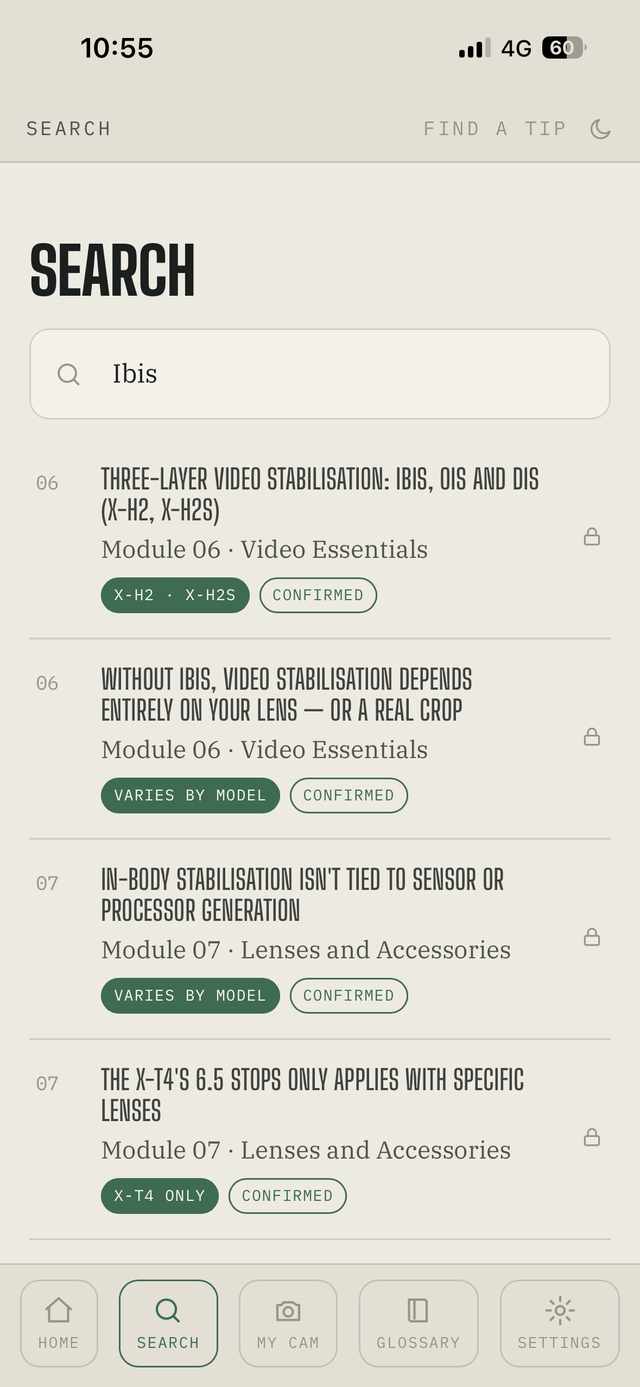
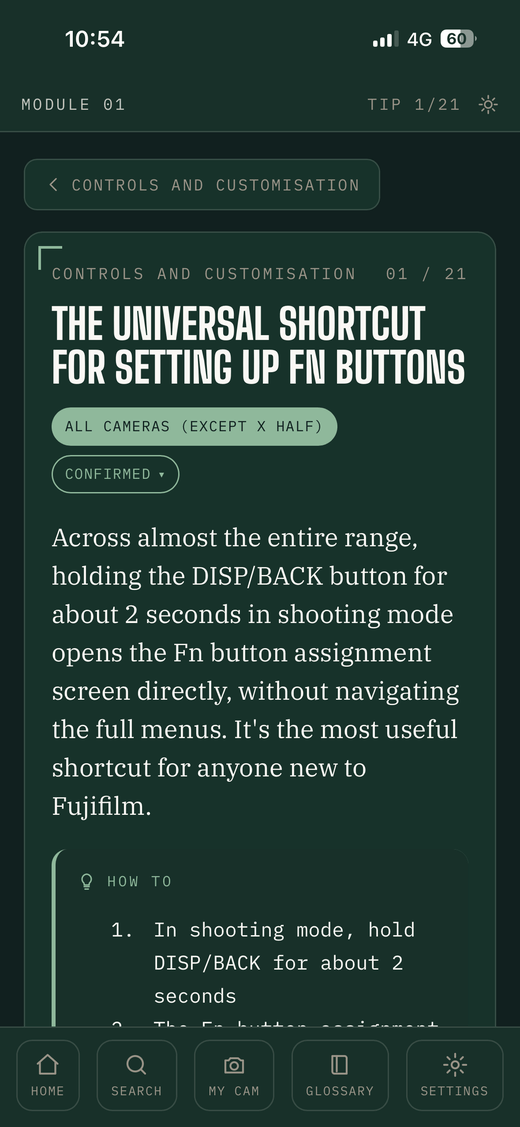
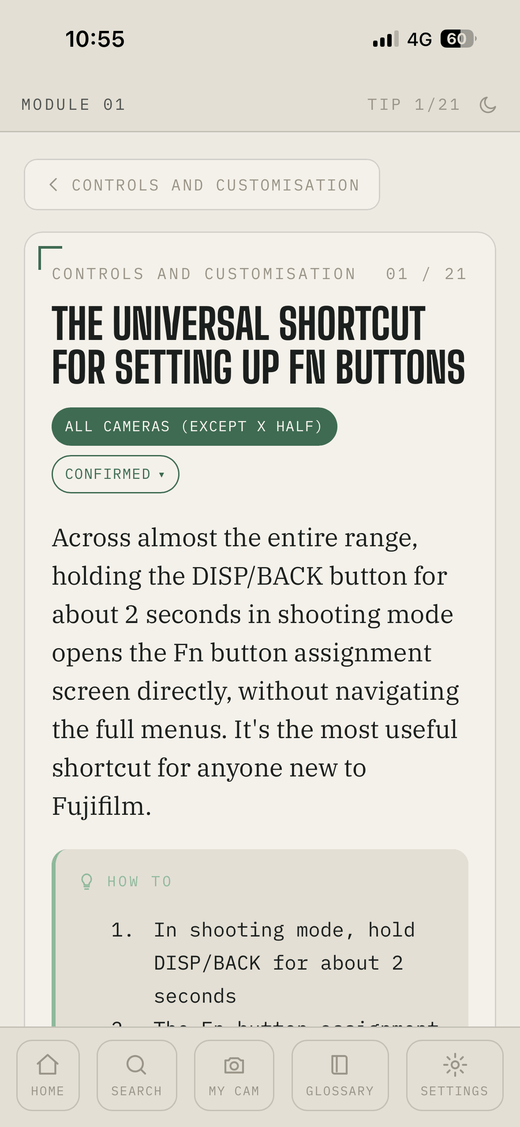
Darkroom Or Paper
Switch anytime between a dark theme built for shooting in low light and a paper-toned theme that's easier on the eyes at a desk. Same content, either way.
Installing Deep Focus
Deep Focus isn't in the App Store or Google Play — it installs straight from your browser, in under a minute, and keeps working offline once it's on your home screen. The steps differ slightly by phone.
On iPhone
- Open deepfocus.fujixpassion.com/app — Safari, Chrome and Edge all work.
- Tap the Share icon — a square with an arrow pointing up. It sits in your browser's toolbar, at the top or the bottom of the screen depending on your settings.
- Scroll down the menu that opens and tap “Add to Home Screen.”
- Confirm the name and tap Add, top right.
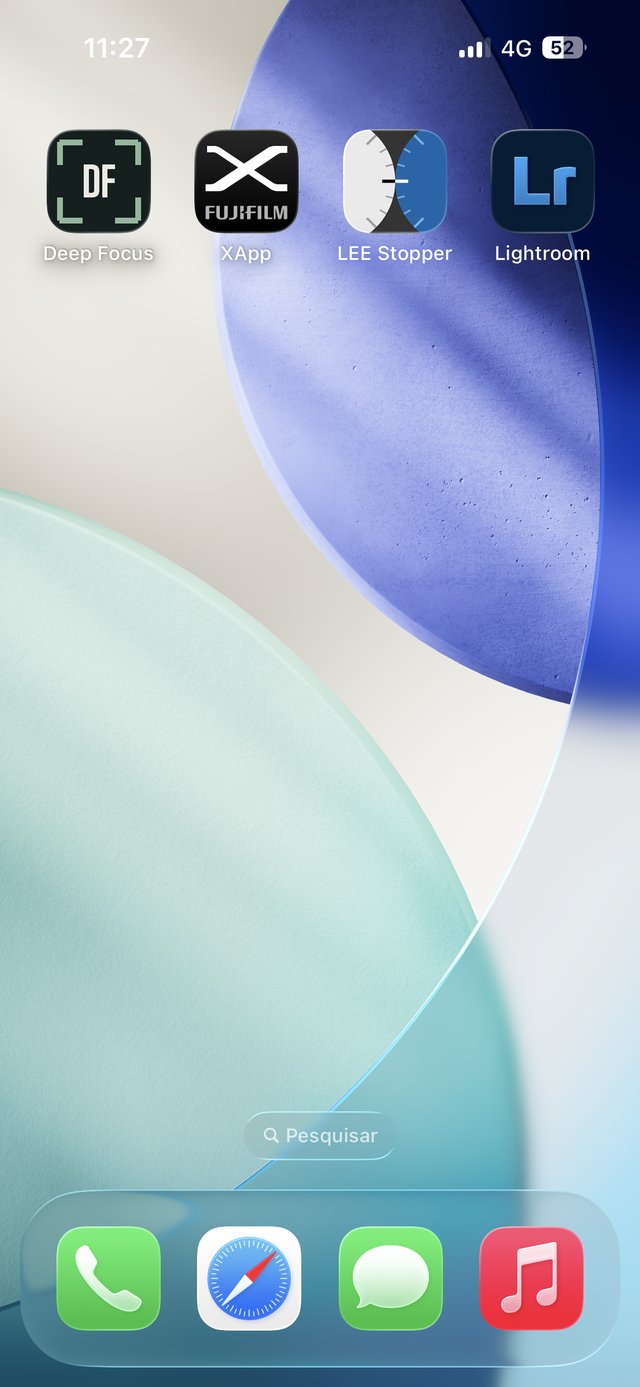
- Open Deep Focus from its new icon. From here on it launches full-screen, exactly like an app from the App Store.
On Android
- Open deepfocus.fujixpassion.com/app in Chrome.
- Chrome usually offers to install it straight away — a banner reading “Add Deep Focus to Home screen” appears at the bottom. Tap Install.
- Don't see the banner? Tap the ⋮ menu, top right, then “Add to Home screen” or “Install app.”
- Confirm, and the icon lands on your home screen and app drawer — same as anything from Google Play.
One App. Every Device. Always With You.
Installed on your phone, it works in your hand, mid-shoot, offline — not just open on a screen back home.
Prefer a file you print and keep? The same guide is also available as a PDF in the shop, at the same price. They're two separate formats of one guide — the PDF doesn't include app access, and the app doesn't include the PDF.
Before You Ask
- Is this an app from the App Store?
- No — Deep Focus is a Progressive Web App. It installs straight from your browser in under a minute (see “Installing Deep Focus” above) and then behaves like any other app on your phone.
- Does it work offline?
- Yes. Once installed, anything you've unlocked stays available without a connection — useful mid-shoot, where signal rarely reaches.
- I don't own one of the 11 cameras listed. Is it still useful?
- Very likely, yes. The core guide is written around current-generation menu logic and control philosophy that carries over to most recent X-series bodies. Every tip is tagged with confirmed camera compatibility so you always know where you stand.
- Do I get updates if something changes?
- Deep Focus keeps being refined over time. Premium members get every update automatically, no extra steps. If you bought the one-off €22 access, you keep everything currently in the app for as long as it exists — see Premium plans if you'd like future additions included automatically too.
- I'm a Premium subscriber — do I need to pay?
- No. Sign in inside the app with your Fuji X Passion account and everything unlocks automatically.
- I already own the Deep Focus PDF. Do I get the app too?
- If you bought the PDF before 31 July 2026, you should already have an email with free access — check your inbox, including spam, or get in touch if you can't find it. New PDF purchases don't include the app automatically: they're two separate formats of the same guide, at the same price, so you pick whichever suits how you read.
- What if I switch phones or lose access?
- Open Settings inside the app and use “Restore Purchase” with the email you bought with, and your access comes straight back — no need to buy again.
Deep Focus
Where the manual ends, Deep Focus begins.
Get Deep Focus — €22